
Referral Demo
See it from your Customer’s side
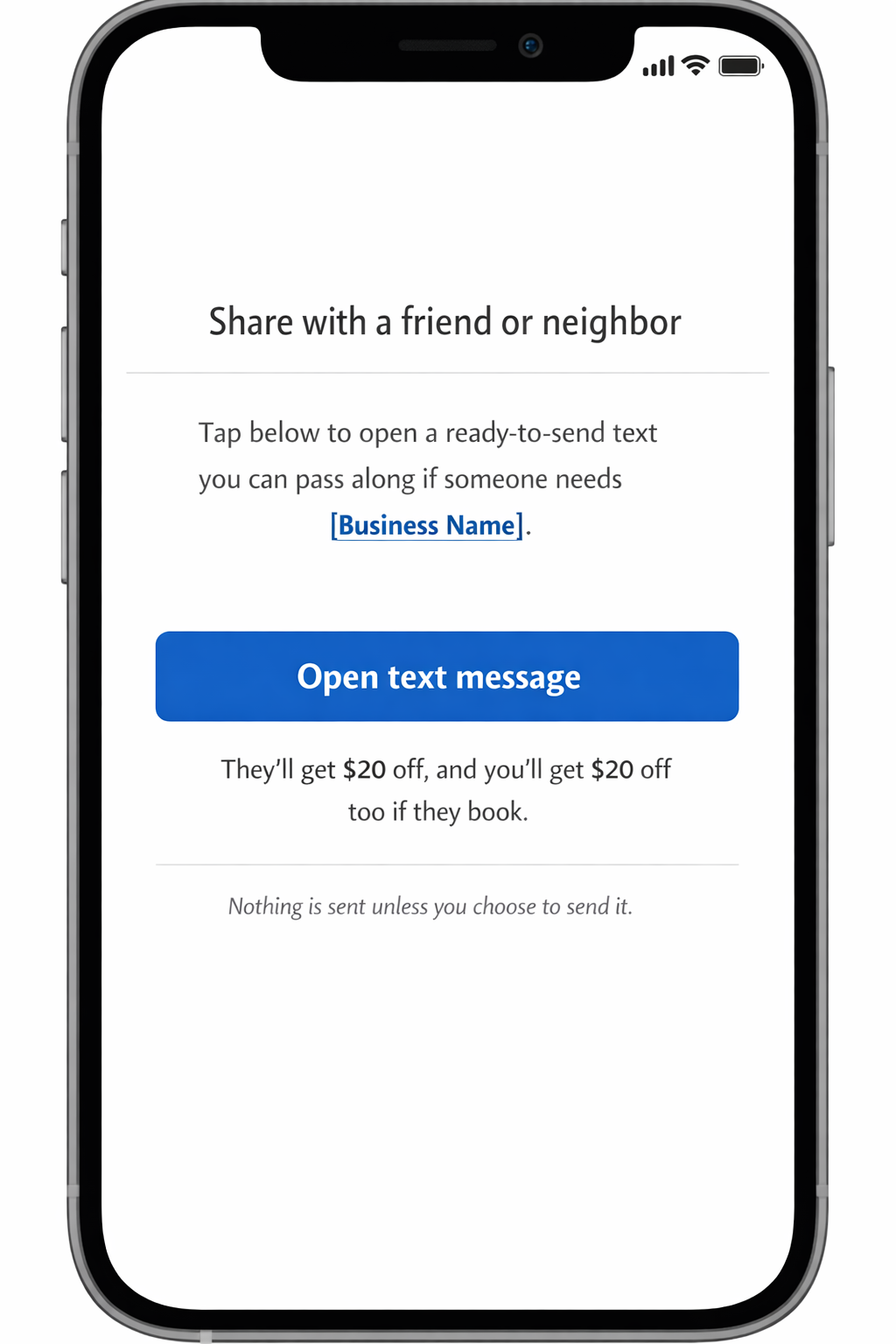
This page opens when your customer taps the link you text them.
Step 1: Your customer opens the One-Tap Referral
After the job, you text your customer a link.
When they tap it, this page opens.
9:41
▮▮▮ 🔋
‹
Text to Customer
Text Message
One tap — we pre-fill the message for you.
Hey! Just wrapped up your lawn 👍
If you refer me to a neighbor or friend,
I’ll thank you with a $20 credit once they book.
They can request an estimate here:
cometotheyard.com/yourlink
Delivered
Preview — no message is actually sent.
Nice — that took 5 seconds.
Your customer just sent a referral with your link + voucher. Next, see what the friend experiences (and how you get the lead).
Now see the friend’s experience →Step 2: This is what your customer sends
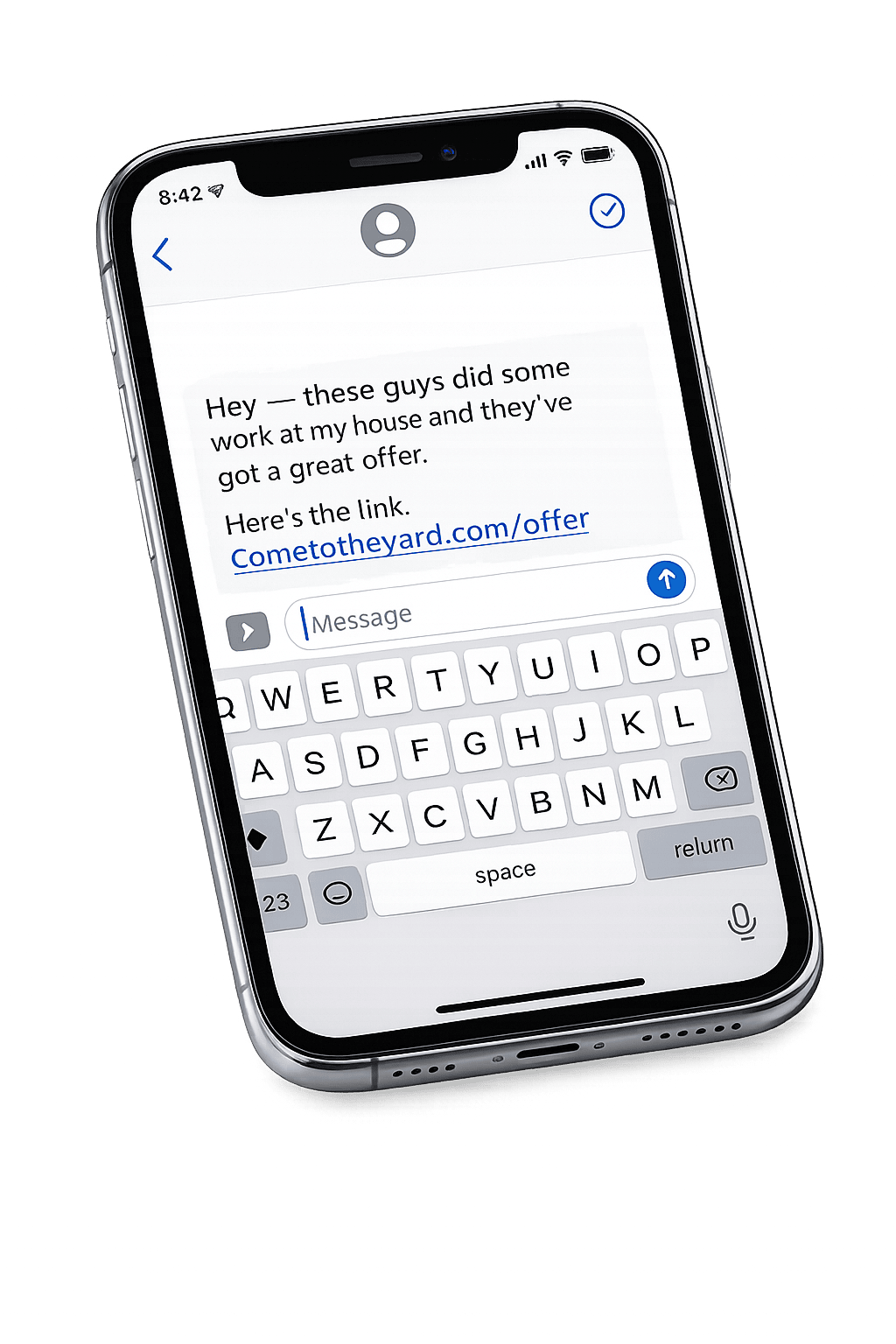
On the One-Tap Referral page, they tap Open text message.
The message is already written — they just hit send.
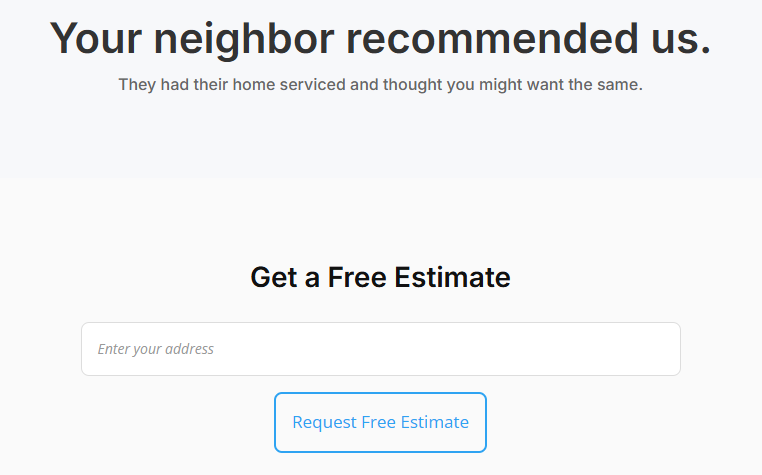
Step 3: This is what Their Friend Clicks
Their friend taps the link and lands on a simple page to request your services.
"Cras malesuada fermentum sollicitudin. Ut at nunc ut lectus interdum consectetur et quis erat. Etiam vel lacus ex."
– Ali Sayed